> For the complete documentation index, see [llms.txt](https://ferdowsur.gitbook.io/modular-3d-text/llms.txt). Markdown versions of documentation pages are available by appending `.md` to page URLs; this page is available as [Markdown](https://ferdowsur.gitbook.io/modular-3d-text/ui/toggle.md).
# Toggle
*The toggle is a part of the* [*3D UI System for Unity*](https://assetstore.unity.com/packages/3d/gui/modular-3d-text-in-game-3d-ui-system-247241?aid=1011ljxWe\&utm_source=aff) *that creates a toggle as the name suggests. It always has a button attached and a collider component for the input system to select it via touch or mouse click.*
{% content-ref url="/pages/c2qV2FUnlGfZ2hwjGial" %}
[Script documentation](/modular-3d-text/ui/toggle/script-documentation.md)
{% endcontent-ref %}
## *Inspector*
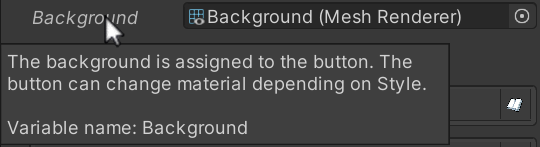
***Note**: You can hover your mouse and check tooltips for information.*